
Billable time tracking that stays in your office.
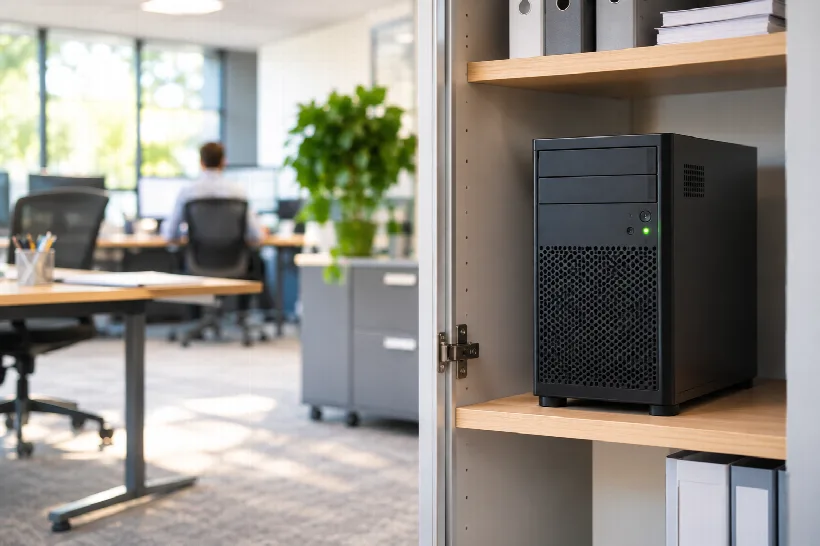
Xpert-Timer runs on your firm's own server — not in someone else's cloud. Your client and matter data never leaves the building.
Download free 30-day trial See pricing
No sign-up. No credit card. Windows 10/11 and Windows Server.
Confidentiality starts with where your data lives
You owe your clients confidentiality. Every cloud service that stores your time entries is one more third party you have to vet, one more contract to read, one more place where client names and matter descriptions sit outside your control.
Xpert-Timer keeps the database on a server you own — Microsoft SQL Server, MySQL, MariaDB or PostgreSQL. No account with us, no data sent to us, no outside server involved. Time tracking keeps working when the internet is down.

Built for how firms bill
- Bill in tenths of an hour
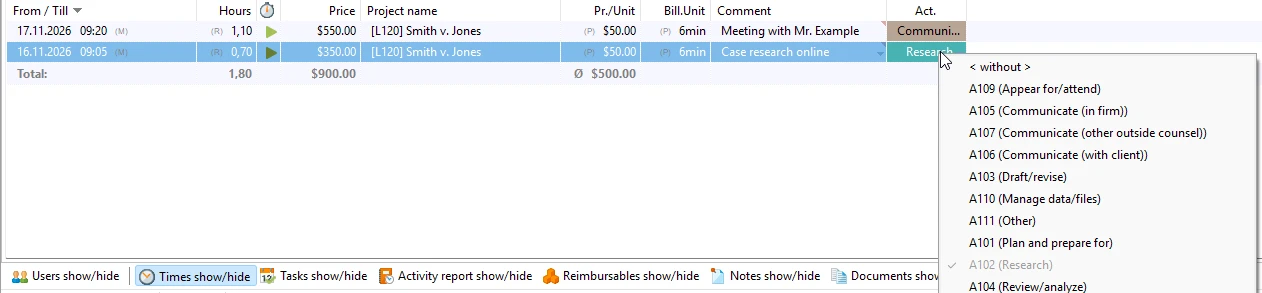
- Set any rounding interval you need — including the 6-minute (0.1 h) increments most firms bill in.
- Activity codes on every entry
- Attach an activity code to each time entry, or set up matters themselves as codes to book against. Use your own scheme or UTBMS task and activity codes.
- Clients, matters, tasks
- Organize time by client and matter, track budgets, and see what is billable before you invoice.
Capture time without thinking about it
- Start a timer with one click or a keyboard shortcut, even while you work in another program.
- Forgot to start it? Add the time afterwards.
- Reports by attorney, client or matter, exported to Excel, CSV or PDF for your billing system.
- Access rights decide who sees which clients and matters.
- Optional browser access from anywhere — through a server in your office, not ours.
Pricing
- Buy once — $199 per user
- One-time license, no expiry. Optional software maintenance at 20% a year for updates and support. Skip a year and your version keeps running.
- Or rent — $9 per user per month
- Cancel monthly. Updates included.
- Browser access (XTCloudserver) — $169
- One-time. Runs on your own server.
- Remote installation service — $169
- We set it up with you or your IT provider over a remote session.
Prices are guidelines in US dollars. Orders are billed in euros and your card converts automatically. No sales tax is charged.
Questions firms ask
- Do I need my own server?
- For one user, a Windows PC is enough. For a team, the database sits on a Windows Server in your office, or with the IT provider who already looks after your network. System requirements
- Can our IT provider install it?
- Yes. Most firms have it done by their IT provider. We also offer a remote installation service.
- Does it export to our billing software?
- Time data exports to Excel, CSV and PDF. A LEDES export is available on request.
- Is there support in English?
- Yes, by email. We are based in Germany, so replies come during European business hours — usually the same or the next US business day. The user manual is in English too.
- Is my data really not in the cloud?
- Correct. Xpert-Timer does not send your time entries anywhere. The program checks its license and looks for updates; both can be switched off.
- How long has Xpert-Timer been around?
- Since 1999. It is made by a small software company in the Bavarian Alps, and the people who build it answer your questions.
Try it on your own server for 30 days
Every module unlocked. No sign-up, no credit card. If it does not fit your firm, it simply stops.