
Clock-in and clock-out times
Clocking in and out by card or at the PC, logged automatically.

Xpert-Timer works records when and where work happens, documented so that it stays verifiable. Use it on its own on the PC or as an add-on for Xpert-Timer pro.
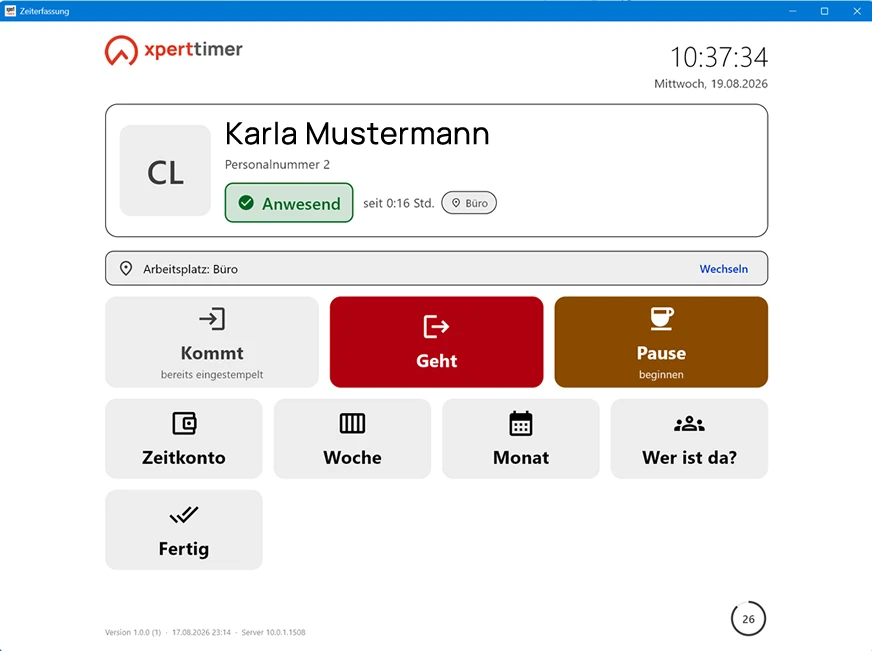
Where clocking should happen centrally, the XTworks terminal runs on tablets or shared PCs — or a transponder terminal from Datafox.
*The trial version contains Xpert-Timer pro
with the Xpert-Timer works add-on module.
Installs without registration.
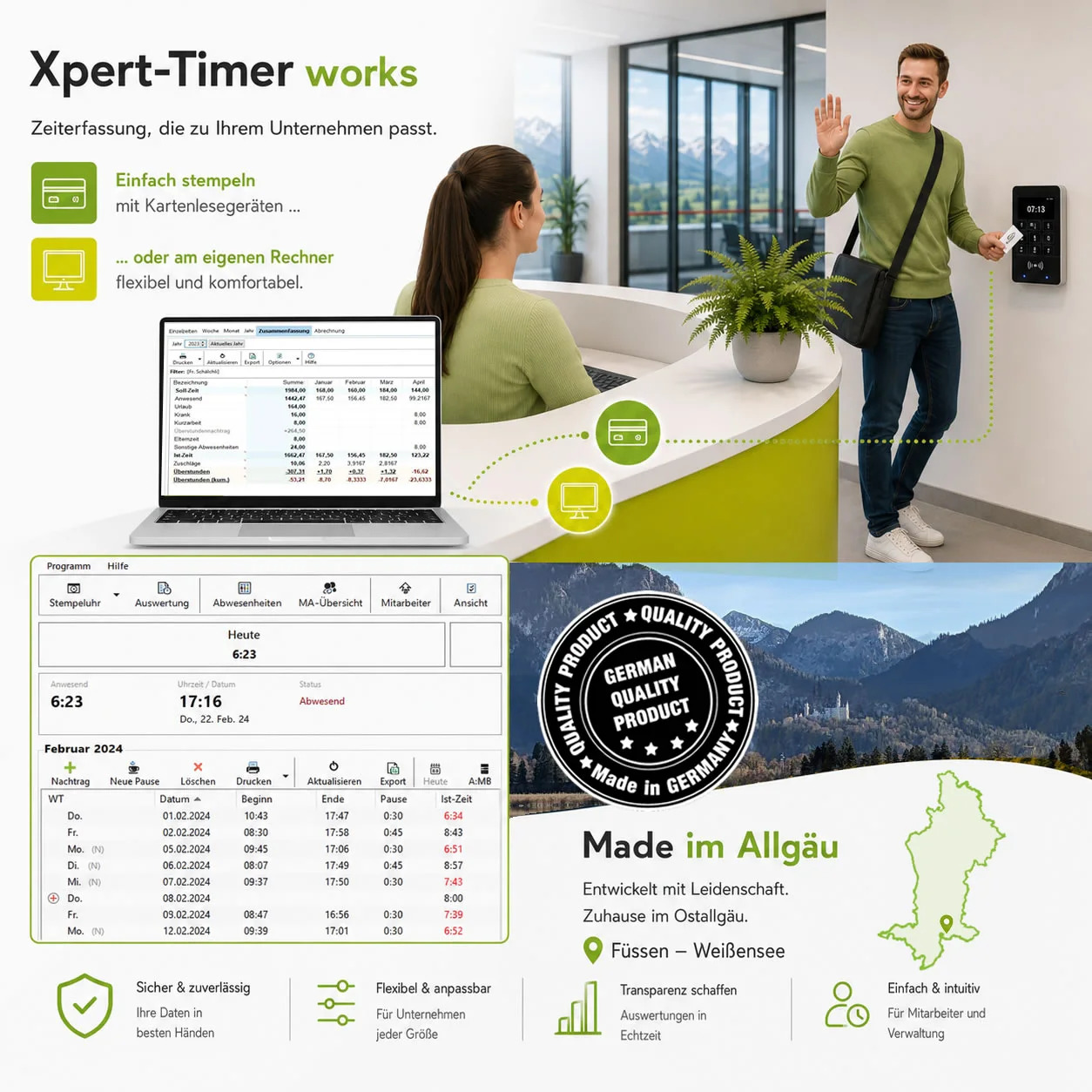
Clocking in and out by card or at the PC, logged automatically.
Break rules and the overtime account run along automatically, including plus and minus balances.
Manage holiday entitlements, sickness and other absences in one place.
Clocking in at a central PC or tablet. Alternatively by card at a terminal, for the workshop, the warehouse or production, with Datafox.
Meets the duty to document — all data stays GDPR-compliant in your own infrastructure.
Project time and working time in one database — one login, one report.
Both are possible. Which one fits depends on whether you only need to document attendance or also want to know what was worked on.
Working time only
Pure working time recording for companies that need to document clock-in and clock-out times.
Working time and project time
Attendance and project effort in one shared database, with a single login.
A fixed screen on site where staff clock in and out. No workstation needed — a tablet is enough.
Let us show you how Works handles clock-in and clock-out times, breaks and holiday in your company.
Request adviceNo. Xpert-Timer works can be used on its own if you only need to document working time. If you also record project time, you combine Works with Xpert-Timer pro on one shared database.
Working time records when somebody worked: arriving, leaving, breaks, holiday. Project time records what they worked on. Works captures the when, Xpert-Timer pro the what.
At the PC through the time clock, full screen at a terminal, or by RFID card at the card reader. Which way suits you depends on the company.
In your company. Xpert-Timer works is installed locally, and the database sits on your own device or on a server at your premises. No outside service provider is involved.


Behind Xpert-Timer stands an experienced team from Germany focused on project and working time tracking. For many years we have been developing solutions that genuinely support companies in their working day. Simple, reliable and practical.
Get in touch now